Semester Start-up Guide Assessment
This is an honest assessment of the Semester Start-up Guide provided by the University of Central Florida’s Center for Distributed Learning. The guide can be found at https://cdl.ucf.edu/teach/course/semester-start-guide/. This guide details the process that faculty members go through to create a Webcourses@UCF course section(s) for students.
Effective Components
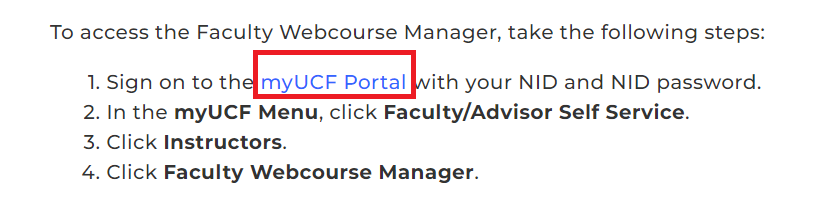
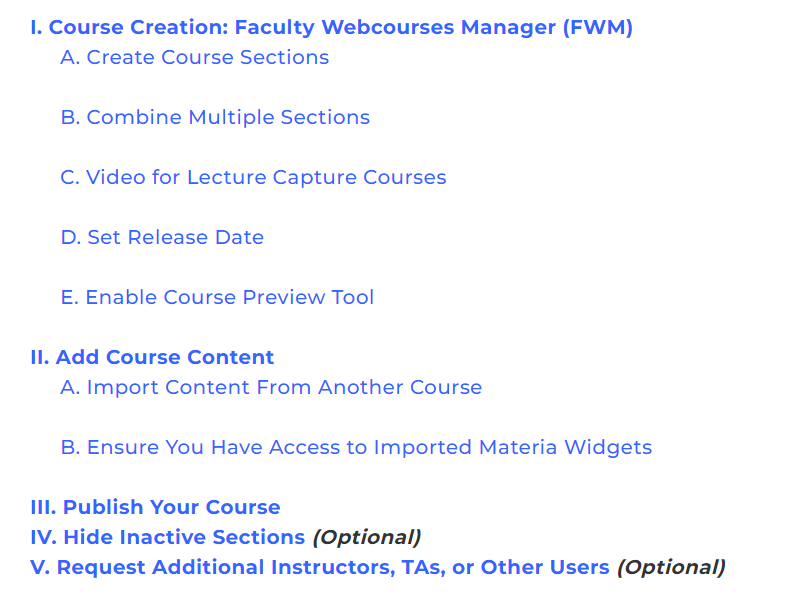
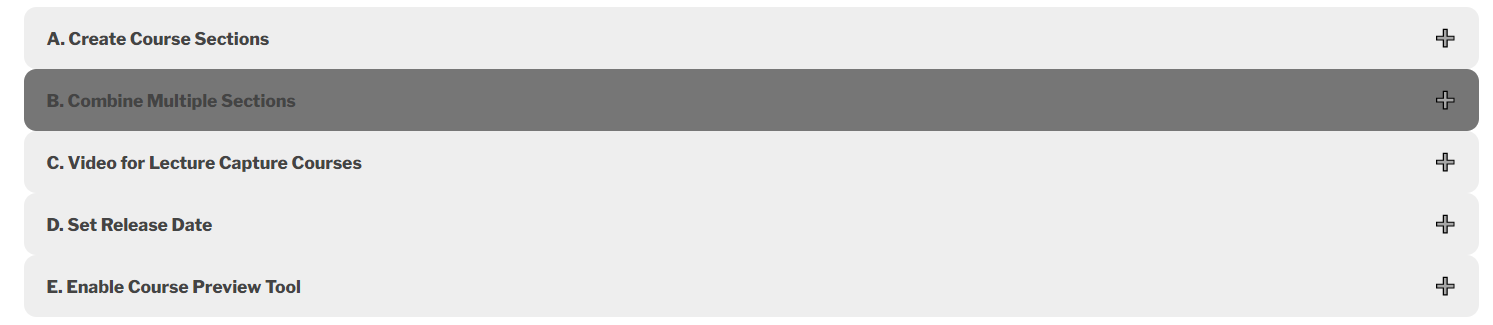
The guide first instructs faculty members on how to access the Faculty Webcourse Manager which is a critical part of the guide. The first numbered bulletin includes a hyperlink to the myUCF Portal so that faculty can sign in. This is convenient and helps speed up the process. Then, the guide has a table of contents where each section has a hyperlink and is easy to find. The first section “Course Creation: Faculty Webcourses Manager (FWM)” has five subsections labeled A-E. Each subsection can be clicked on and expanded which helps the guide to be more organized. The steps in each subsection are clear and concise, with certain instructions having a bold font so that faculty members will know what they need to click on when following along. There are clear pictures used as examples in the instructions with important parts of the pictures outlined in red. This highlights exactly what the faculty members need to do. There are also notes included on the bottom of the subsections that clearly explain additional details. Subsection A included a highlighted note about “Requesting Content from Another Instructor’s Course” which is at the very beginning of the subsection. The design fits the rest of the guide while also calling attention to itself. This note also includes an email address for Webcourses@UCF Support which makes it easy for faculty to get additional help. Sections 2-5 follow the same type of organization except there are no other subsections in sections 3-5. Section 4 and 5 have “(Optional)” in the title of the section which is convenient since faculty will know right away that they do not have to read the section if they do not want to.
Ineffective Components
Section 1 includes subsections A-E, and Section 2 includes subsections A-B. The guide organizes the subsections differently for section 1 and 2, where the subsections in section 1 can be expanded but the subsections in section 2 are not expandable. This changes the organizational flow of the guide. Also, the notes in the sections and subsections would stand out more if the entire note had a different font effect such as bold or italicized. The text could also be in a different color, such as red.


Suggested Improvements
Overall, this is an effective guide with clear instructions, simple organization, and helpful illustrations that follow along with the instructions. There are just a couple of improvements that I suggest. First, I recommend modifying the subsections under section 2 so that they are expandable like the subsections in section 1. I also recommend highlighting the notes in each section and subsection by adding a font effect such as bold or italic, or by changing the font color.